Every WhatsApp Business account needs a phone number that can receive a verification code. Small teams can choose between an existing mobile number, a new SIM or eSIM, a VoIP (virtual) number, or a landline.
This guide compares each option, explains the rules for virtual numbers, and shows what to do if the code never arrives. Once the number is set up, W.app helps teams route chats to the right teammate and share the number through trackable links.
Table of Contents
- What Is a WhatsApp Business Number?
- Types of Numbers You Can Use
- Virtual Number for WhatsApp Business
- Can You Use WhatsApp Business Without a Phone Number?
- Verification Code and Number Requirements
- Changing, Adding, or Managing Your WhatsApp Business Number
- Sharing Your WhatsApp Business Number With Customers
- Key Takeaways
- FAQ
What Is a WhatsApp Business Number?
A WhatsApp Business number is the unique phone number tied to your WhatsApp Business account, whether you use the free WhatsApp Business app or the WhatsApp Business Platform (API). Customers message that number, and it anchors your business profile.
Receiving the Verification Code
During registration, WhatsApp sends a one-time verification code to the number you enter, by SMS or by voice call. If the number cannot receive that code, the account cannot be activated, so always test reception first.
Number Types You Can Use
You can register an existing mobile number, a new SIM or eSIM, a VoIP (virtual) number, or a landline. What matters is whether the number can reliably receive the verification code, because delivery differs by number type.
One Number, One App at a Time
The same number cannot be active on WhatsApp Messenger and WhatsApp Business at once. If you want to keep your personal account, you need a separate number for the business. For a full comparison, see WhatsApp vs WhatsApp Business.
Business App and Platform (API) Numbers
Larger businesses using the WhatsApp Business Platform (API) also connect a phone number to a WhatsApp Business account. That number cannot be used with the consumer WhatsApp Messenger app. See Meta’s official documentation on business phone numbers for details.
Types of Numbers You Can Use
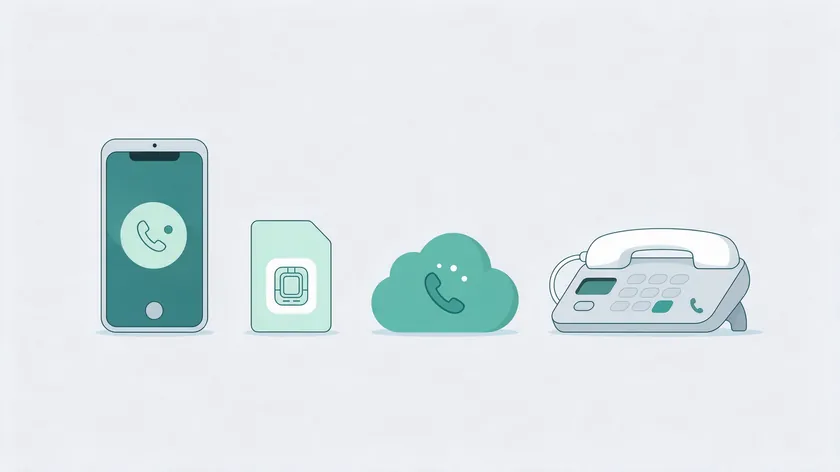
The table below compares the four number types small teams use most often. Virtual numbers get their own detailed section right after it.
| Number Type | Receives Verification Code | Best For | Watch Out For |
|---|---|---|---|
| Existing mobile | SMS or voice call | Solo entrepreneurs and side businesses | The number cannot stay active on WhatsApp Messenger at the same time |
| New SIM or eSIM | SMS or voice call | Teams wanting a clean, dedicated line | Extra carrier plan; keep the line active for future codes |
| Virtual (VoIP) | Voice call is standard; SMS not recommended | Remote teams without a local office | Delivery varies by provider; number recycling risk |
| Landline | Voice call is standard; SMS not recommended | Stores already promoting a landline | The line must be able to receive the call; an IVR can block it |
Using Your Existing Mobile Number
You can register WhatsApp Business with a mobile number you already use. This is the quickest route for solo entrepreneurs, but that number can no longer run WhatsApp Messenger at the same time.
For teams or high message volume, a separate business number is usually the better choice. Two WhatsApp accounts on one phone always require two different numbers: one for WhatsApp Messenger and one for WhatsApp Business.
New SIM or eSIM as a Business Number
Buying a new SIM or activating an eSIM gives you a clean business line that is easy to verify, since Meta recommends mobile numbers. It also keeps bookkeeping simple and makes handover to staff easier later.
The downsides are an extra carrier plan and the need to keep the line active, so you can receive future verification codes when you change devices. Businesses that want full long-term control often start with a dedicated SIM or eSIM.
Landline as a Business Number
A landline can be used for a WhatsApp Business account by choosing the voice call option during verification. Meta lists voice as the standard method for landlines and SMS as not recommended, so the line must be ready for incoming calls.
This works best when the landline is always staffed and any IVR or PBX lets the verification call through. Because reliability can vary, many small teams prefer a mobile or eSIM number instead.
Virtual Number for WhatsApp Business

A virtual number for WhatsApp Business is a phone number hosted in the cloud instead of on a physical SIM. Meta’s documentation does not use the word virtual, but VoIP numbers are the closest category.
How a Virtual Number Works With WhatsApp
A virtual phone number is still a real number, delivered through an app or web interface instead of a mobile network. The key question is whether it can consistently receive WhatsApp verification codes, including retries by voice call.
Meta lists voice as the standard method for VoIP numbers and SMS as not recommended. Test the voice option before you print the number on anything customers will see.
Benefits of a Virtual WhatsApp Business Number
Typical reasons to choose a virtual number include remote teams, a local presence in a country without an office, and protecting the founder’s personal mobile. It separates personal and business communication without an extra handset or SIM swaps.
Small ecommerce brands, appointment-based services, and remote providers use it to run one business number for a distributed team. Once the number is verified, W.app helps manage incoming chats at scale with Multi Agent routing.
Limits and Risks With Virtual Numbers
Not every virtual number will work for verification, so testing before you commit is essential. Do not rely on any single provider without confirming that its numbers receive WhatsApp codes reliably.
- If a virtual number loses the ability to receive calls or SMS, because of billing issues, provider policy changes, or reassigned numbers, re-verifying the account later may become impossible.
- Confirm long-term control of the number, including the provider’s terms on number recycling and what happens if you pause or cancel service.
- Avoid temporary or disposable numbers. They cause verification problems when you replace devices or need to verify again.
In short, a virtual number is workable only when you control it for the long term and have confirmed that voice verification arrives every time.
Can You Use WhatsApp Business Without a Phone Number?
Short answer: no. WhatsApp Business always ties an account to a phone number, so the real question is which number to use and how to keep your personal one private.
Why a Phone Number Is Always Required
WhatsApp Business always requires a phone number that can receive a verification code. The number can be a mobile SIM or eSIM, a landline, or a compatible virtual number, but an email address or username alone is not enough.
Options if You Do Not Want to Share Your Personal Number
Some businesses hide the number behind click-to-chat links or QR codes, but the underlying number still exists. To avoid giving out a personal number, the realistic options are a separate mobile line, an eSIM, or a well-managed virtual number.
Verification Code and Number Requirements
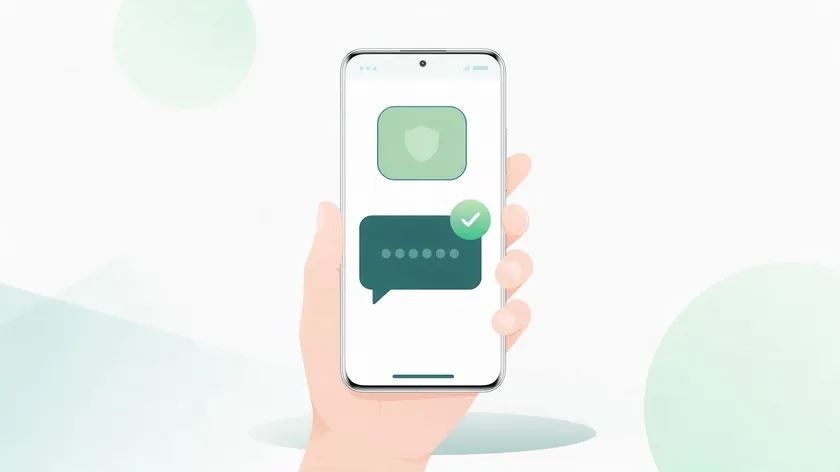
The verification code is a one-time password sent by SMS or voice call to prove you control the line. For the full registration steps, see how to create a WhatsApp Business account.
How the Verification Code Is Delivered
Enter the code you receive by SMS. If SMS fails, request the voice call option instead. For landlines, VoIP, and toll-free numbers, Meta lists SMS as not recommended and voice as the standard method, so the call option becomes critical.
Technical Requirements for Your Business Number
- The number must not already be registered on another WhatsApp account. A number already on WhatsApp cannot be registered until that account is deleted.
- Short codes are not supported. Toll-free and VoIP numbers depend on voice verification.
- Numbers behind an IVR must be able to receive the automated verification call.
- Enter the number with the correct country code and area code.
Requirements can change over time, so check Meta’s official page for the latest rules before you buy or port a number.
Troubleshooting Verification Code Problems
- Confirm the line can receive regular SMS and calls from other numbers, with no blocking or call screening.
- Wait a few minutes and request the code again. Try the voice call option if SMS keeps failing.
- Double-check the number and country code, and correct any missing digits or a wrong region selection before retrying.
- Contact your carrier or number provider if neither SMS nor voice calls arrive, since routing blocks may affect that number range.
If none of these steps work, the number itself is usually the problem, and switching to a mobile or eSIM line is the fastest fix.
When You Need to Verify Again
Verification can be required again when you set up WhatsApp Business on a new phone or connect a number to the WhatsApp Business Platform. Keep the line active so codes keep arriving.
Changing, Adding, or Managing Your WhatsApp Business Number
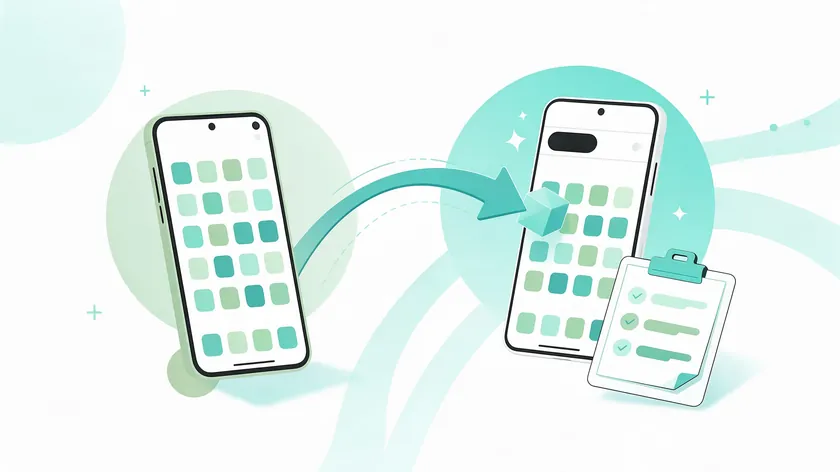
Businesses sometimes need a new number: moving from a founder’s personal line to a dedicated one, switching providers, or upgrading to a new SIM or virtual number. Plan the change so customers and leads are not lost.
Changing a Number in the WhatsApp Business App
Changing the number in the app is handled through WhatsApp’s own in-app options, and the exact steps can differ by app version. Follow WhatsApp’s current instructions on your device, and make sure the new number can receive a verification code first.
Changing a Number on the WhatsApp Business Platform (API)
On the WhatsApp Business Platform, a business phone number is registered and verified separately through Meta, and it needs an approved display name. Changing it is therefore more involved than in the app and should be planned with your provider.
Adding Numbers and Sharing Access
Each WhatsApp account is tied to one unique number, so a second number means a separate account. The WhatsApp Business app supports up to four linked devices, which lets several teammates answer from one number. For structured collaboration, see multiple users and team inbox.
When It Makes Sense to Change Your Business Number
- A founder who started on a personal number and now wants a neutral company number.
- A rebrand to a new area code, or a move to a virtual number that suits a remote team.
- A need to update your website, Facebook Page, Google Business Profile, and printed materials so customers are not confused.
Use a greeting message example and an away message to announce the new number, and keep the old line active during the migration to catch late contacts.
Sharing Your WhatsApp Business Number With Customers
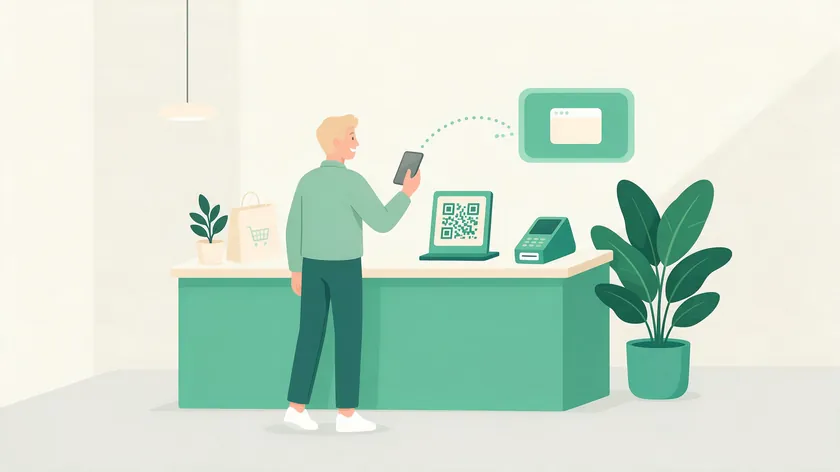
Once the number is ready, make it easy to reach through website buttons, QR codes in stores, email signatures, and social media profiles. The fewer digits customers must type, the fewer conversations you lose.
Links and QR Codes
Click-to-chat links and QR codes point straight to your WhatsApp Business account, which removes manual typing and mistakes. W.app generates trackable links for the business number, so teams see which channels drive the most chats. For full instructions, see how to share WhatsApp number.
Keep the Number Format Consistent
Display the number in one consistent format, country code included, across all materials. This matters most for international customers who save your number from different locations around the world.
Key Takeaways
- A WhatsApp Business number can be an existing mobile, a new SIM or eSIM, a compatible virtual (VoIP) number, or a landline, as long as it can receive the verification code.
- Each account is tied to one phone number, and the same number cannot be active on WhatsApp Messenger and WhatsApp Business at once.
- Take extra care with any virtual number. Not every one receives verification codes reliably, and long-term control must be confirmed first.
- Plan any number change carefully so customers follow you to the new line and no leads are lost.
- Once the right number is in place, Team Inbox and Multi Agent features help teams answer faster, and trackable links show where chats come from.
Ready to put your WhatsApp Business number to work? Head to W.app so your whole team can manage conversations from one place. Multi Agent routes chats to the right teammate, and Standard Links track which channels generate the most conversations.
FAQ
Can I use the same number for WhatsApp and WhatsApp Business?
Not at the same time. A number can be active on only one of the two apps, so many businesses keep personal chats on WhatsApp Messenger and use a separate number for the business. For a deeper breakdown, see WhatsApp vs WhatsApp Business.
How can I get a WhatsApp Business number for free?
The WhatsApp Business app is free to download, and you can use your existing mobile number at no extra charge beyond your phone plan. A new SIM, eSIM, or virtual number may involve costs from carriers or providers. For pricing, see WhatsApp Business cost.
Can multiple team members use one WhatsApp Business number?
Yes. The WhatsApp Business app supports up to four linked devices, so teammates can answer customers from different phones or desktops. Beyond that, a shared inbox with agent routing is the better fit for growing teams.
What happens if my WhatsApp Business number gets banned?
WhatsApp can restrict or ban a number for spam, policy violations, or unsolicited messages. Message only people who opted in and follow WhatsApp’s business policies. A banned number must go through an appeal process, and restoring access is not guaranteed.
Can I move my WhatsApp Business number to a new phone?
Yes, as long as you still control the number and can receive a new verification code on it. Back up your chats first, then verify on the new phone. For a virtual number or landline, confirm that calls or SMS still reach you.