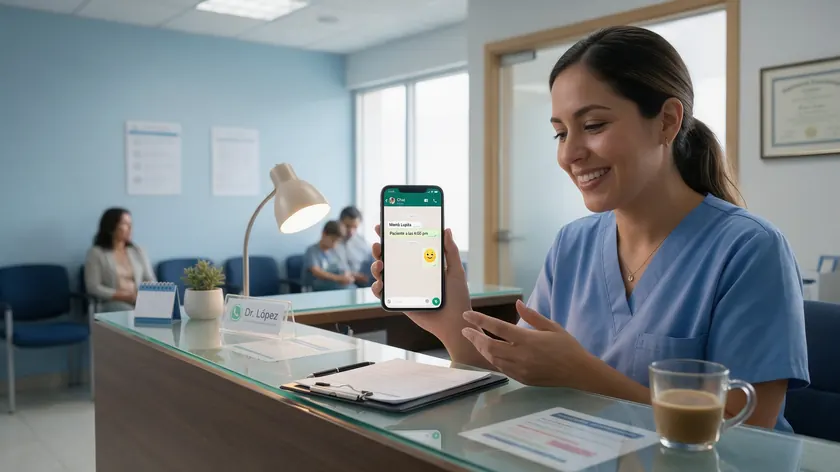
WhatsApp has become an increasingly popular tool in healthcare—but not every use belongs in the same conversation. This guide focuses on the operational side: how clinics and hospital systems use WhatsApp to handle appointment booking, front-desk routing, reminders, and general patient communication without touching clinical data.
Table of Contents
- What “WhatsApp for Healthcare” Really Means (and What It Doesn’t)
- Why WhatsApp Matters for Modern Healthcare Providers
- Non-Clinical Use Cases: What Patients Can Safely Do via WhatsApp
- Operational Workflows Healthcare Teams Can Automate
- Using w.app Links and Multi Agent for Healthcare Journeys
- Getting Patients Into WhatsApp: QR Codes, Website Buttons, and Campaigns
- Privacy, HIPAA, and Local Privacy Laws (At a High Level)
- Implementation Steps: How to Set Up WhatsApp for Your Clinic or Hospital
- Measuring Success: KPIs for WhatsApp in Healthcare Operations
- Key Takeaways
- FAQ
- Does WhatsApp work for older patients or less tech-savvy groups?
- How much does it cost to use WhatsApp Business API for healthcare?
- Can WhatsApp replace our existing patient portal or EHR messaging?
- How should we handle WhatsApp messages that turn into clinical questions?
- What happens to WhatsApp conversations outside office hours?
What “WhatsApp for Healthcare” Really Means (and What It Doesn’t)
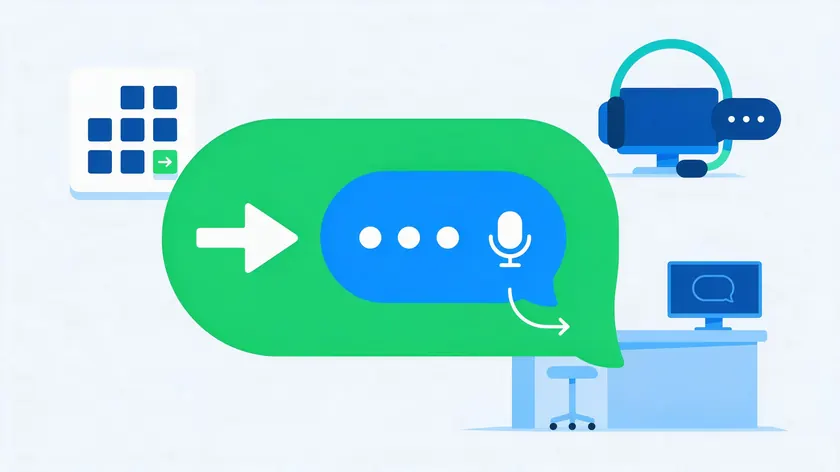
“WhatsApp for healthcare” means using WhatsApp Business and the WhatsApp Business API to streamline operational communication between healthcare providers and patients.
Think of it as the messaging layer that sits in front of your scheduling system, your call center, and your reception desk—handling the logistical questions that consume most of your staff’s day.
This article focuses on non-clinical touchpoints: appointment booking, clinic directions, insurance questions, general health tips, and basic service information.
It does not cover medical advice, diagnoses, or any workflow that requires sharing sensitive health information inside a WhatsApp conversation. WhatsApp should not be equated with a clinical medical record system.
What is explicitly out of scope for this guide: WhatsApp enables doctors to conduct remote consultations via video calls, and it accounts for 40% of telemedicine consultations globally.
It can securely send lab results and medical reports, allows doctors to send visual aids with lab results, enhances patient understanding of their test results, and facilitates secure sharing of diagnostic images within a protected channel.
Healthcare professionals can share prescription information securely via WhatsApp, and WhatsApp allows secure sharing of prescription information with patients.
It can also send automated medication reminders to patients, and patients can request medication reminders customized to their schedules—relevant because 39% of patients forget to take their medications regularly, and automated reminders improve medication adherence and health outcomes.
Meanwhile, 83% of physicians find telemedicine enhances continuity of care, and 60% of patients prefer remote consultations over in-person appointments. All of these are real capabilities, but they involve clinical content and PHI. This guide stays on the operational side.
The difference between the consumer WhatsApp app and the WhatsApp Business API matters here. The free WhatsApp Business mobile app handles basic two-way chats, but scalable appointment reminders, automated reminders, and multi-agent front-desk routing require the API.
Large clinics and hospital systems typically access it through a WhatsApp Business Solution Provider (BSP) like w.app, which supplies tools such as Standard Links, Multi Links, Form Links, and Multi Agent.
Why WhatsApp Matters for Modern Healthcare Providers
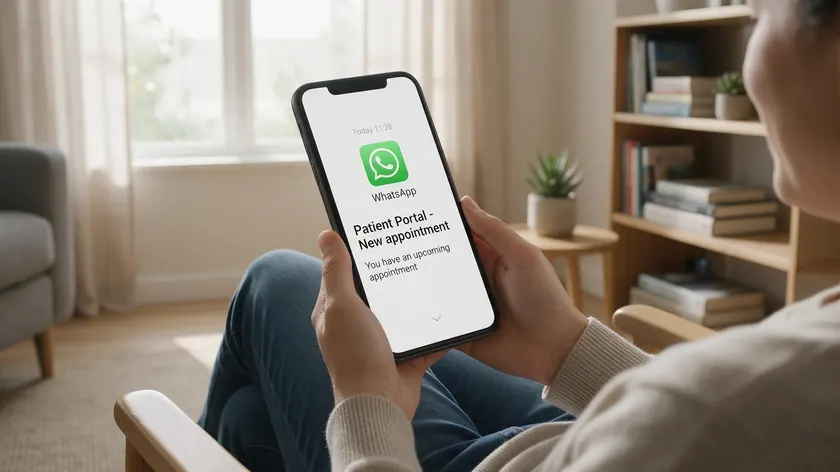
Between 2020 and 2025, patients shifted heavily toward messaging over phone calls and email for service interactions.
Healthcare communication followed. WhatsApp now serves nearly three billion users worldwide, making it the default messaging platform in most regions—and an obvious channel for healthcare organizations looking to meet patients where they already are.
The numbers tell a clear story. WhatsApp messages have a 98% open rate compared to 21.33% for emails, and those messages boast near-instant open rates compared to emails or SMS.
Meanwhile, 66% of patients felt basic communication fell short before WhatsApp was introduced, and 79% of frustrated patients reported moderate to extreme dissatisfaction with their provider’s responsiveness.
Perhaps most telling: 55% of healthcare consumers would switch providers for better communication. Hospitals lose $150 million annually due to missed appointments alone—a problem that better patient engagement through messaging can directly address.
WhatsApp’s value in healthcare lies in convenience and speed. It enhances patient communication through high engagement, offers a direct channel to connect patients with providers, and ensures patients receive timely information about their health.
WhatsApp supports rich media sharing between providers and patients, which is useful even for non-clinical content like maps, forms, and instructional PDFs.
For healthcare workers dealing with staff shortages, it reduces the administrative workload on front-desk teams—especially during flu seasons, vaccination campaigns, and screening drives.
WhatsApp complements—not replaces—phone lines and patient portals. It becomes the front door for quick, non-sensitive patient care coordination, empowering patients to handle logistics on their own time while freeing health professionals for complex cases.
Non-Clinical Use Cases: What Patients Can Safely Do via WhatsApp
Patients can use WhatsApp for a wide range of service-related tasks that do not require sharing PHI. When a patient interaction goes clinical—symptom descriptions, medical history questions, or medication changes—staff should redirect to approved channels. Here is what works well inside WhatsApp.
Appointment Scheduling
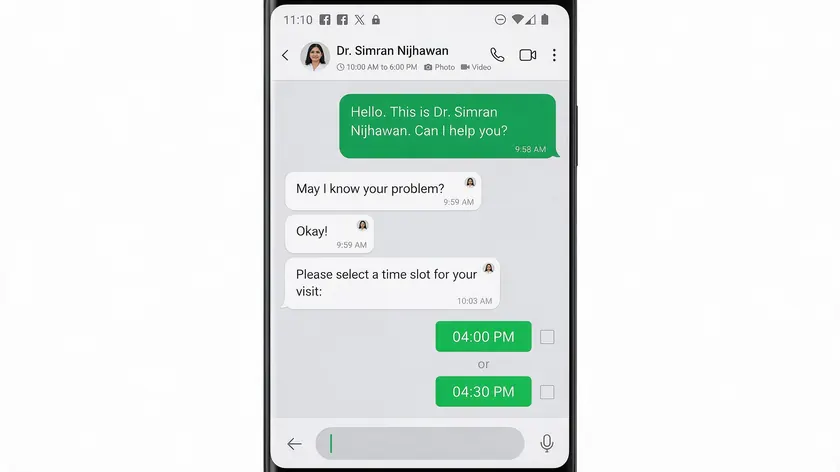
Patients can book, reschedule, or cancel appointments through WhatsApp without calling the front desk. A typical flow lets them select a location, pick from available time slots, and receive a confirmation—all inside a single WhatsApp conversation.
Some clinics connect web forms or chatbots to WhatsApp templates so patients pick from open slots directly. This ability to automate appointment scheduling removes friction for both patients and medical staff.
Appointment Reminders
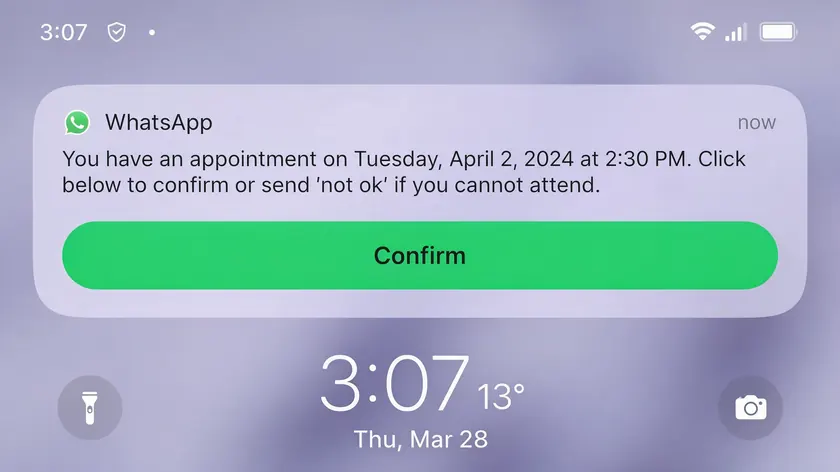
Automated messages sent 24–48 hours before visits and again on the morning of the appointment dramatically improve response rates.
According to industry benchmarks, WhatsApp reminders achieve a 98% read rate within two hours, and 92% of healthcare providers now send personalized appointment reminders via WhatsApp.
With 80% of patients preferring digital channels for appointment reminders, this is the fastest-return workflow most clinics can deploy. Automated reminders also improve patient adherence to treatment plans by keeping scheduled visits top of mind.
Service Discovery
Patients frequently message about clinic hours, walk-in policies, accepted insurance plans, parking information, and which healthcare services are available at each location.
Automated FAQ flows handle most of these questions instantly, enabling patients to find answers without waiting on hold.
Simple Patient Support
Pre-visit questions (“Do I need to fast before my lab appointment?”), links to consent and intake forms, and general health tips for seasonal campaigns all fit naturally in WhatsApp.
The key features here are speed and accessibility—as long as messages remain general and non-personalized.
Beyond these categories, patients can also receive notifications about schedule changes, provider unavailability, or weather-related closures. These timely updates arrive through a channel patients actively check, unlike email or postal mail.
Operational Workflows Healthcare Teams Can Automate
WhatsApp automation can take over a large share of repetitive front-desk messaging, freeing staff for in-person interactions and complex cases.
A healthcare practice that can automate appointment scheduling and reminders for patients typically sees its front-desk call volume drop by 30% or more.
Automation is built around template messages (approved by Meta), simple chatbots or AI agents, and routing rules that trigger when a patient scans a QR code, clicks a WhatsApp link, or replies to a reminder.
Typical workflows include new patient inquiries, appointment booking and rescheduling, insurance FAQs, and general operational announcements.
Humans remain in control. The Multi Agent setup pushes edge cases to the right human team—billing, scheduling, and specialty clinics—while structured questions are resolved automatically. Healthcare services can add simple keyword flows to guide patients quickly:
“Welcome! Reply 1 for Book an appointment, 2 for Check my booking, 3 for Clinic hours and locations.”
One clinic case study reported handling roughly 90% of patient queries through automated keyword flows, reducing manual reminder calls by about 60%.
Front Desk and Call Center Offloading
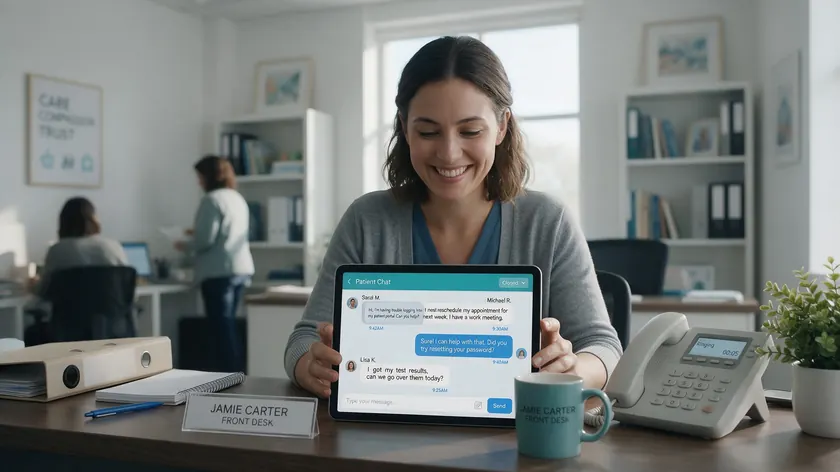
Common requests—”What are your hours?” “Can I move my appointment from Tuesday to Friday?” and “Which doctor is available this week?” can be handled entirely in WhatsApp.
Patients avoid long phone queues by using WhatsApp for communication, and front-desk teams reclaim hours previously spent on the phone.
Here is a typical exchange:
Patient: Hi, I need to move my Thursday appointment to next week. Automated reply: Sure—reply RESCHEDULE or CANCEL. Available slots: (1) Mon 10 a.m. (2) Wed 2 p.m. (3) Fri 9 a.m. Patient: 2 System: Done—your appointment is now Wed at 2 p.m. Want a reminder 24 hours before? YES / NO.
Using Multi Agent, clinics route chats by category: insurance questions to one team, scheduling to another, and corporate health checkups to a dedicated B2B desk.
Doctors and healthcare professionals only see escalated messages that need their input. Clinics can display WhatsApp QR codes at reception desks and on printed bills, encouraging patients to use chat instead of standing in line.
Marketing, Outreach, and Health Tips (Non-PHI)
Outbound WhatsApp campaigns must respect opt-in rules and avoid personal diagnoses or PHI. WhatsApp marketing in the healthcare industry works best for general, broadly relevant content: seasonal vaccination drives, back-to-school checkup reminders, community screening events, and wellness tips tailored to specific age groups or locations.
Use broadcast lists via the WhatsApp Business API and a BSP to notify opted-in patients about new clinics opening, extended hours, or health awareness campaigns.
Keep messages short, actionable, and linked to a clear CTA—for example, a Multi Link that offers “Book now,” “View services,” and “Chat with front desk.” This approach reduces costs compared to phone outreach and reaches patients on multiple channels simultaneously.
Appointment Booking and Appointment Reminder Flows
Appointment booking and appointment reminders are the fastest-return workflows for WhatsApp in healthcare. WhatsApp can help reduce no-show rates through appointment management, and case studies from real deployments back this up: Siloam Hospitals, a hospital network using WhatsApp Business, reported an 8% increase in appointment bookings and a 36% increase in patient self-check-ins within two months of launching automated reminders.
A standard patient journey looks like this: a patient sees a QR code at a clinic or clicks a website button, starts a WhatsApp conversation, selects a service, picks a time slot, and receives an automated confirmation.
Appointment scheduling flows should keep questions strictly operational—name, contact info, preferred times, and clinic location—and avoid collecting PHI or symptom descriptions inside WhatsApp.
Timing strategies for reminders matter. Send a confirmation at booking, another reminder 24 hours before, and—if appropriate—a short message on the morning of the appointment.
Each reminder includes buttons to confirm, reschedule, or cancel appointments directly in chat, so the scheduling system stays current without phone calls from either side.
Measurable benefits include lower no-show rates, fewer last-minute cancellations, and higher patient satisfaction. Track metrics like confirmation rate, average time-to-book, and slot utilization.
For multi-step bookings or complex care pathways, WhatsApp handles the initial intake and hands off to a human scheduler who contacts the patient through approved channels if clinical preparation or sensitive info is needed.
Using w.app Links and Multi Agent for Healthcare Journeys
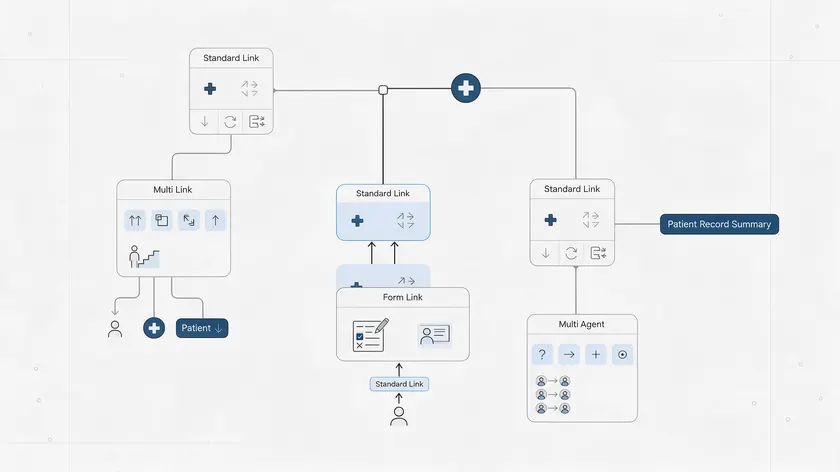
This section translates generic WhatsApp capabilities into concrete w.app tools. Each feature maps to a real step in the patient journey, from first contact to routed conversation.
Standard Links
Standard links are single-entry WhatsApp links ideal for one clear action: “WhatsApp our front desk” on a clinic’s Google Business Profile, email signature, or printed signage. One link, one purpose, zero confusion.
Multi Links
Multi Links provides a compact WhatsApp-powered menu where one URL or QR code gives patients options like “Book an appointment,” “Ask about insurance,” and “Find nearest clinic.” They work well on websites and in ads because a single entry point covers several patient needs.
Form Links
Form Links are pre-visit intake forms that run on top of WhatsApp. Patients share non-sensitive patient information—name, contact details, visit reason category—before staff follows up.
This pre-qualifies inquiries and saves time for both sides without collecting medical history or clinical data inside WhatsApp.
Multi Agent
Multi Agent is the shared inbox and routing engine that ensures chats go to the right team (pediatrics, dental, imaging, admin) and that no WhatsApp messages are lost when healthcare workers change shifts.
It supports SLA timers, conversation history, and team-based assignment—key features for any hospital or multi-location clinic managing high volumes.
For large hospital systems with multiple locations, use clinic-specific Multi Links paired with each physical location’s QR code. This way, a patient scanning a code in the imaging wing gets a different menu than one scanning at the dental clinic entrance.
Getting Patients Into WhatsApp: QR Codes, Website Buttons, and Campaigns
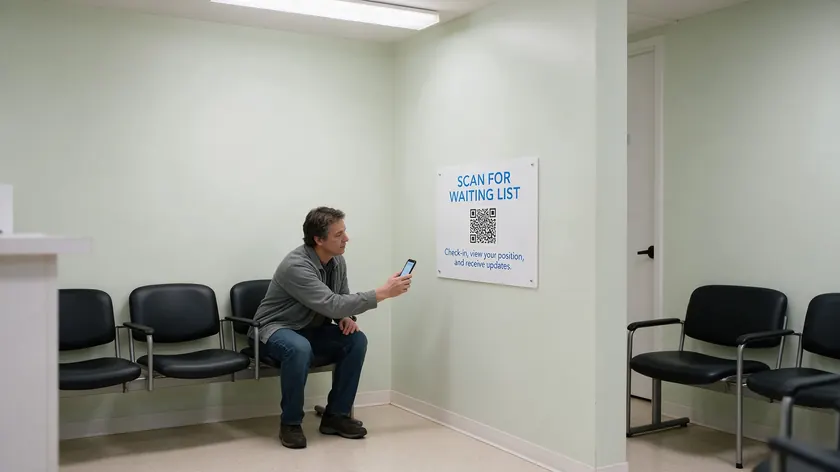
Success with WhatsApp for healthcare depends on making it extremely easy for patients to start a chat. If they cannot find the entry point, automation does not matter.
Place QR codes on physical assets: reception desks, waiting rooms, lab check-in counters, discharge paperwork, and pharmacy bags. Each should point to the relevant Multi Link or Standard Link.
Digital entry points include “Message us on WhatsApp” buttons on websites, in confirmation emails, and in SMS reminders that shift conversations to WhatsApp for richer interactions.
Marketing campaigns can drive new patients into WhatsApp too. Facebook and Instagram click-to-WhatsApp ads promoting health check packages or vaccination drives work well when paired with clear, non-PHI messaging.
Always state what patients can do in chat—”Book, reschedule, or get directions in seconds”—and clarify availability (e.g., automated 24/7 with human agents responding during set hours).
Privacy, HIPAA, and Local Privacy Laws (At a High Level)
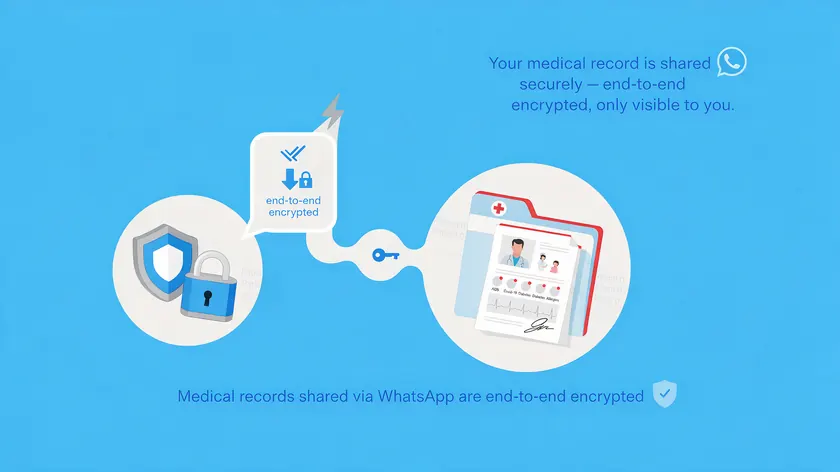
This section is a high-level orientation only. Healthcare providers in the US healthcare system must consider HIPAA, and those elsewhere must follow local privacy laws such as GDPR in the EU or the DPDP Act in India.
HIPAA and GDPR are examples of privacy regulations relevant to WhatsApp use, and compliance with both is essential when using WhatsApp. Healthcare organizations must evaluate privacy laws and consent requirements for WhatsApp before deploying any workflows.
For a deep dive on whether and how WhatsApp can fit into a HIPAA-compliant strategy, see Is WhatsApp HIPAA Compliant?.
The critical point: WhatsApp lacks a signed Business Associate Agreement required for HIPAA compliance. Best practices for WhatsApp in healthcare include avoiding PHI transmission—keep lab test reports, lab results, diagnoses, prescription refills, and clinical details out of WhatsApp entirely.
Standard WhatsApp chats feature end-to-end encryption for privacy, and WhatsApp uses end-to-end encryption for secure document sharing, but encryption alone does not equal compliance.
Accidentally exposing identifying patient information in WhatsApp messages is a real concern, and using WhatsApp effectively requires balancing convenience with privacy regulations.
Providers must implement safeguard measures for using WhatsApp in healthcare settings. That means a written policy for WhatsApp use in healthcare should define permitted and prohibited information, staff training to distinguish allowed from disallowed chat content, audit trails for template usage, and a clear process for escalating clinical or sensitive questions to secure channels.
Patient records and sensitive clinical data belong in your EHR—WhatsApp handles the logistics around them.
Implementation Steps: How to Set Up WhatsApp for Your Clinic or Hospital

Here is a practical, step-by-step path for operations and marketing managers at healthcare organizations launching WhatsApp in 2024–2026.
- Define clear, non-clinical goals—such as reducing phone wait times by a target percentage, cutting no-show rates for specific service lines, or handling a defined share of appointment scheduling via WhatsApp.
- Choose a BSP like w.app and obtain WhatsApp API access, including verifying the healthcare organization’s Facebook Business account and setting up the main WhatsApp number.
- Design your initial flows using w.app tools: one Standard Link for general inquiries, one Multi Link for service navigation, and one or two Form Links for lead capture and basic pre-visit intake.
- Configure Multi Agent routing so that WhatsApp messages are categorized (e.g., “Scheduling,” “Billing,” “Insurance,” “Corporate”) and assign teams or individuals to each category with clear SLAs.
- Pilot with a limited audience—perhaps starting with one department (e.g., outpatient imaging or dental) or one clinic location for 4–6 weeks—before expanding across the organization based on metrics and feedback.
- Train front-desk and support staff on tone, escalation rules, and what not to discuss in WhatsApp. Provide example scripts and saved replies they can adapt to their daily conversations with patients.
Measuring Success: KPIs for WhatsApp in Healthcare Operations
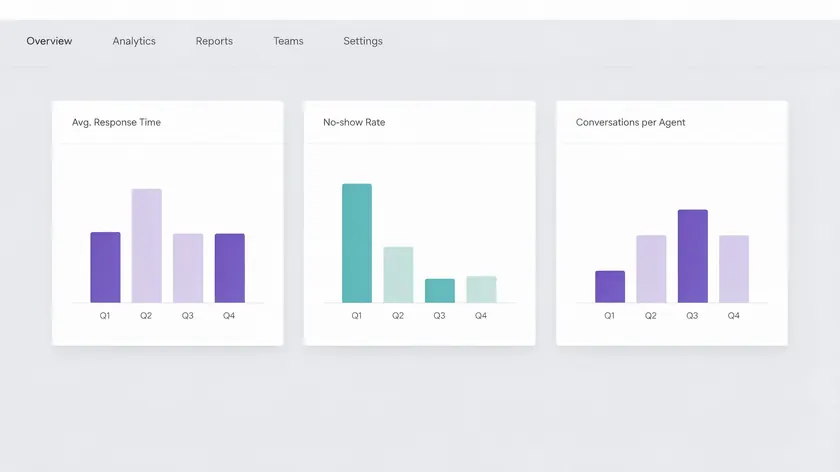
Tracking the right KPIs helps demonstrate ROI and refine workflows over time. Without measurement, you are guessing whether WhatsApp is actually reducing costs and improving patient outcomes.
| Category | Metric | What It Shows |
|---|---|---|
| Core | Reduction in inbound call volume | Fewer phone calls handled by the front desk |
| Core | Appointments booked via WhatsApp | Share of bookings shifting away from phone/email |
| Core | Change in no-show rate | Impact of automated reminders on missed visits |
| Patient Experience | Average response time in chat | How quickly staff or bots reply to patients |
| Patient Experience | Patient satisfaction score | Results from simple post-interaction surveys |
| Patient Experience | Opt-out rate | How many patients leave outbound campaigns |
| Operational | Conversations handled per agent per day | Team workload and capacity |
| Operational | Inquiries resolved without phone calls | Automation’s share of total resolutions |
| Operational | Peak-time load distribution | How volume spreads across Multi Agent teams |
Use simple dashboards from w.app or connected analytics tools to generate monthly and quarterly reports. These give operations leaders concrete data for staffing discussions and platform expansion decisions.
Key Takeaways
- This guide covers WhatsApp for healthcare in an operational, non-clinical way: front-desk messaging, appointment scheduling, reminders, and general info—not treatment conversations or sharing protected health information (PHI).
- WhatsApp Business API (accessed via providers like w.app) lets healthcare providers cut call volume, reduce no-shows, and route patients to the right department using features like Multi Agent, Standard Links, Multi Links, and Form Links.
- Organizations must follow HIPAA or local privacy laws and keep PHI out of WhatsApp workflows; see the dedicated HIPAA compliance article for the full legal breakdown.
- Practical entry points for 2024–2026 include QR codes at clinics, “click to WhatsApp” buttons on websites, and intake flows that collect non-sensitive details before a visit.
- Start with Standard Links on signage, Multi Links on your website, Form Links for intake, and Multi Agent for department routing to see results quickly.
Give every patient a clear way to reach your clinic on WhatsApp. Set up a Standard Link for your front desk, a Multi Link for service navigation, Form Links for pre-visit intake, and Multi Agent to route conversations to the right team—all from one w.app account.
FAQ
These questions address practical concerns not fully covered above. All answers stay focused on WhatsApp for healthcare operations rather than clinical use.
Does WhatsApp work for older patients or less tech-savvy groups?
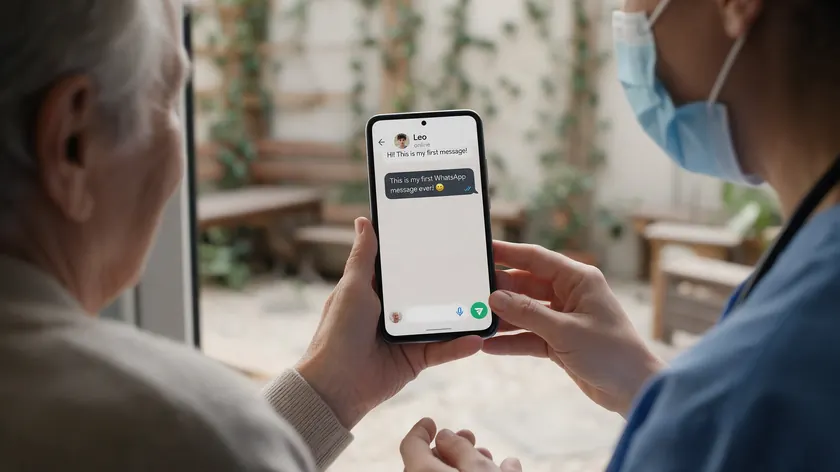
WhatsApp adoption among adults over 50 has grown significantly since around 2020. Patients of varying age groups already use WhatsApp regularly—many of them to communicate with family before they ever message a clinic. Keep messages simple: short text, clear buttons, and minimal jargon.
Place QR codes with clear instructions in waiting rooms and on appointment cards, and have staff help patients send their first WhatsApp message before they leave.
WhatsApp complements rather than replaces existing channels, so healthcare organizations can continue offering phone lines for other users who prefer traditional contact methods.
How much does it cost to use WhatsApp Business API for healthcare?
Costs have two components: Meta’s per-conversation fees (which vary by country and template type—utility versus marketing) and the BSP or platform fees charged by providers like w.app.
Healthcare organizations typically move from fixed per-seat tools to usage-based pricing tied to conversation volume.
To estimate ROI, compare WhatsApp costs with current phone, SMS, and manual labor expenses for appointment booking and reminders. Contact w.app for an up-to-date pricing overview and a forecast based on your expected monthly patient conversations.
Can WhatsApp replace our existing patient portal or EHR messaging?
No. WhatsApp should not replace portals or EHR messaging for clinical care, detailed medical histories, or conversations involving PHI.
Position it instead as the easy-access “front door” for quick, non-sensitive questions and appointment management, which then directs patients into portals when deeper access is required.
For organizations exploring data sync between channels, there is a separate guide on WhatsApp CRM integration but clinical patient records should remain in official systems of record.
Running both channels side-by-side gives patients choice while keeping regulated data in the right place.
How should we handle WhatsApp messages that turn into clinical questions?
Organizations need a clear policy and script for when a patient asks about symptoms, medication, chronic illnesses, or treatment decisions in WhatsApp.
Train agents to gently redirect: invite the patient to call a nurse line, use a secure portal, or schedule an in-person visit depending on urgency.
Include disclaimers in welcome messages that the channel is not monitored for emergencies and is not intended for clinical advice—whether about virtual consultations or medication adherence. Log and review edge cases regularly.
A research article published on healthcare communication best practices suggests that regular review of these incidents strengthens both policy and staff confidence over time.
What happens to WhatsApp conversations outside office hours?
Most clinics set up automated replies that manage expectations—for example, “Our team will reply between 8 a.m. and 6 p.m.”—along with self-service menus that still allow basic actions like checking appointment times or reading FAQs.
Critical or urgent matters should always be directed to emergency numbers or on-call services, clearly stated in every away message. Operations teams review overnight messages at the start of each day, prioritizing follow-up for scheduling changes or time-sensitive questions.
Multi Agent rules can automatically queue overnight inquiries to the right team for the next business day’s response, so quality healthcare coordination does not depend on a single person checking WhatsApp at midnight.