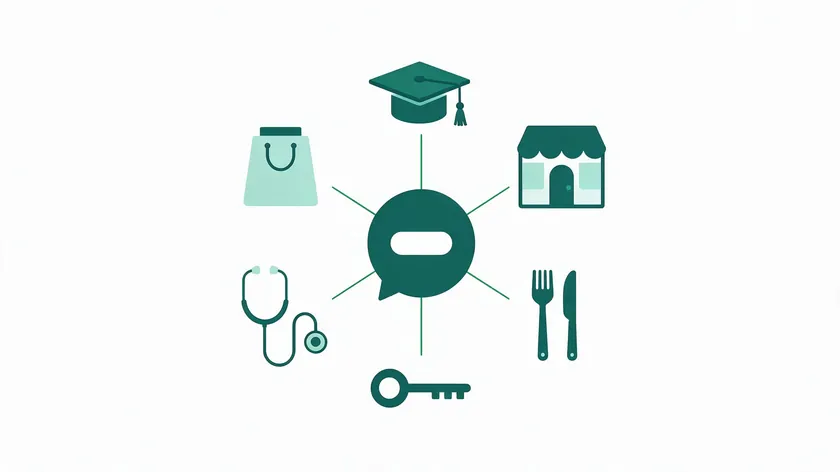
WhatsApp Business use cases fall into three groups—customer service, conversational commerce, and operations—and the right starting point depends on the industry.
Whether you run a clinic, an online store, or a restaurant, the messaging app your customers already check dozens of times a day can become a direct communication channel that replaces slow email threads and missed calls.
This article is a hub. Each section briefly outlines how a specific industry puts WhatsApp to work and then points you to a detailed guide where workflows, templates, and tools are broken down step by step.
You will also find a comparison table below that summarizes industries, main WhatsApp use cases, best-fitting W.app features, and the expected business results so you can jump straight to what matters for your team.
Across the sections ahead, you will see how businesses treat WhatsApp as a core part of their business communication stack rather than just another notification channel.
Table of Contents
- How WhatsApp Business Use Cases Differ by Industry
- Industry Overview Table: Matching Use Cases to Results
- E-Commerce: Order Updates and Conversational Commerce
- Retail: In-Store Assistance and Post-Visit Support
- Restaurants: Reservations, Orders, and Guest Updates
- Real Estate: Lead Capture and Property Follow-Ups
- Healthcare: Appointment Reminders and Patient Follow-Ups
- Education: Course Updates and Student Engagement
- Cross-Industry Workflows That Work Everywhere
- Choosing Your First WhatsApp Business Use Case
- Key Takeaways
- FAQ
- How do I know if my industry should invest in WhatsApp Business?
- What do people use WhatsApp Business for?
- What is the 24-hour rule for WhatsApp Business?
- What is the downside of WhatsApp Business?
- What types of messages work best for U.S. customers on WhatsApp?
- Do I need a full CRM integration before testing WhatsApp Business use cases?
How WhatsApp Business Use Cases Differ by Industry
WhatsApp Business use cases cluster around customer service, conversational commerce, and operations, but priorities differ for E-commerce, Retail, Restaurants, Real Estate, Healthcare, and Education.
A restaurant cares most about reservation confirmations and waitlist updates; a real estate team needs instant lead capture and property follow-ups. The common thread is faster response times and fewer lost customer interactions.
The WhatsApp Business Platform Behind Multi-Agent Messaging
The WhatsApp Business Platform is the API-based layer behind high-volume, multi-agent, and automated messaging.
It connects to existing business systems, supports message templates, and lets customer service teams handle inbound messages from multiple customers simultaneously—without sharing a single phone.
If you are evaluating API providers for your setup, the linked guide covers what to look for, from message pricing and number setup to the way each provider handles team inboxes and routing.
What the U.S. Marketing Pause Means for Your Use Case
An important U.S.-specific policy: according to Meta’s developer documentation, marketing template messages are currently not delivered to WhatsApp users with U.S. phone numbers (+1), and no resumption date has been given.
This means promotional messages, broadcast campaigns for business promotion, and broad marketing campaigns sent as marketing templates will not reach U.S. recipients.
Meta’s documentation describes this restriction for marketing templates only, so U.S. teams build their WhatsApp use cases around service conversations and transactional updates, and should confirm the current rules with their provider before launching a flow.
The restriction applies to U.S. numbers only, so businesses can still send marketing templates to contacts with non-U.S. numbers.
Where W.app Fits in the Workflow
W.app is a lightweight layer that adds tracked links and shared team inbox structure on top of the WhatsApp Business Platform.
Its features—Standard Links, Form Links, Multi Links, and Multi Agent—help sector teams avoid slow response times and dropped WhatsApp conversations, which is where most leads and customer data quietly disappear.
Industry Overview Table: Matching Use Cases to Results
The table below summarizes the main WhatsApp Business use case for each industry and which W.app feature best supports it. Use it as a quick reference before diving into the detailed sections.
| Industry | Main WhatsApp Use Case | W.app Feature Fit | Expected Result |
|---|---|---|---|
| E-Commerce | Order updates and product questions | Standard Links (tracked checkout links) | Fewer “where is my order?” tickets; more completed checkouts |
| Retail | In-store assistance and post-visit support | Multi Links (multi-location routing) | Improved customer experience; shorter phone queues |
| Restaurants | Reservation confirmations and guest updates | Form Links (party size, dietary needs) | Fewer no-shows; smoother service flow |
| Real Estate | Lead capture and property follow-ups | Form Links (budget, move-in date qualification) | Faster contact time; more leads converted |
| Healthcare | Appointment reminders and patient follow-ups | Multi Agent (front desk, billing, nursing routing) | Fewer no-shows; fewer routine front-desk calls |
| Education | Course updates and deadline reminders | Multi Links (admissions, billing, support separation) | Better attendance; fewer missed deadlines |
Jump to your industry section below for a short overview and a link to the full guide. Each section names the main use case, the W.app link type that fits it, and the result you can expect, so you can start with the workflow closest to your own.
E-Commerce: Order Updates and Conversational Commerce
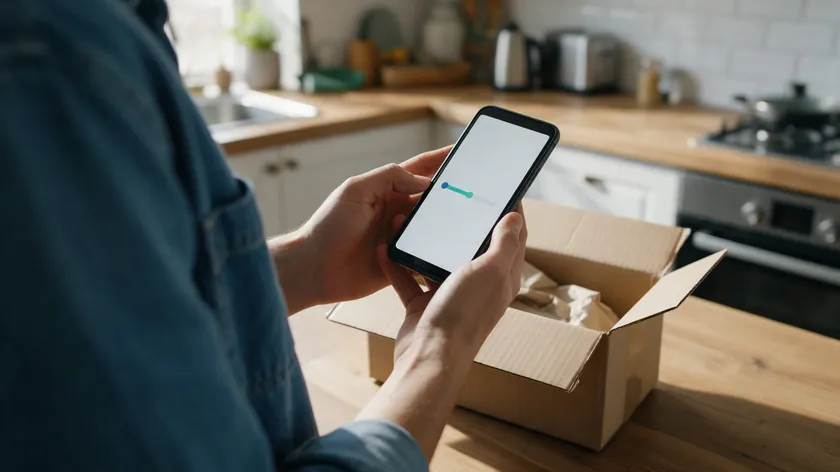
U.S. online stores use WhatsApp to confirm orders, send shipping updates, and answer product questions inside a single thread—improving customer experiences compared with email alone.
Order Status Updates That Cut Support Tickets
WhatsApp API sends automatic order status notifications triggered by ERP systems, and businesses can send delivery updates directly to WhatsApp so customers do not have to dig through their inbox.
Order updates can reduce inbound status inquiries, and the WhatsApp API allows proactive communication about order delays before a frustrated customer even reaches out.
Conversational Commerce and Tracked Checkout Links
The main use case here is conversational commerce—customers ask about sizing, availability, and delivery, then tap a tracked Standard Link to complete checkout on the site.
Businesses can share product catalogs directly through WhatsApp, turning casual browsing into a purchase without leaving the chat.
Outside the U.S., WhatsApp can also support abandoned cart recovery through automated reminders; because those are typically sent as marketing templates, U.S. teams rely on conversations the shopper starts instead.
W.app Standard Links track which product and checkout links drive clicks, while W.app Multi Agent routes chats from click to WhatsApp ads into a shared team inbox so no lead goes unanswered.
For a deeper breakdown of e-commerce chatbot flows, cart nudges, and order workflows, see the full e-commerce WhatsApp guide.
Retail: In-Store Assistance and Post-Visit Support
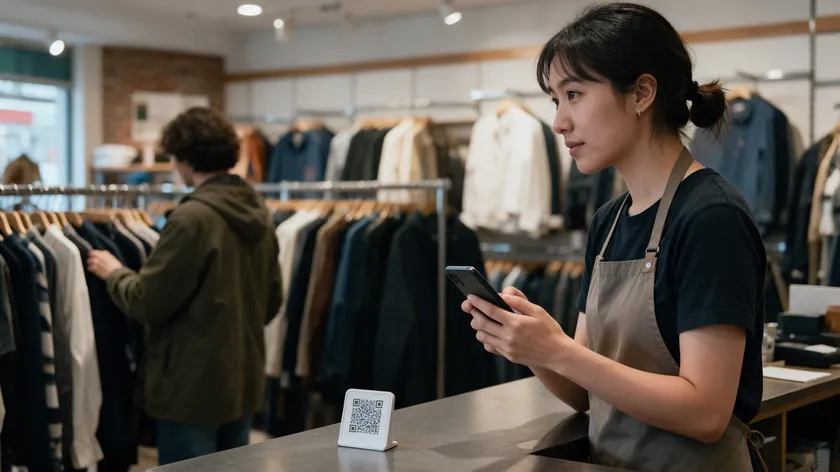
Brick-and-mortar retailers use WhatsApp for stock checks, curbside pickup updates, and quick follow-up questions after a store visit. Businesses can leverage WhatsApp for personalized customer engagement—such as sending a sizing guide photo to a shopper who just left.
Personalized Engagement After the Store Visit
Personalized messaging on WhatsApp can enhance customer relationships beyond what generic email blasts offer. Sending quick product photos, rich media sizing guides, and pickup notifications improves customer satisfaction and keeps shoppers out of phone support queues.
Shared Team Inbox and Multi-Location Routing
Store teams rely on a shared team inbox to manage local store numbers or a single brand-wide number, keeping WhatsApp conversations visible even across shifts.
W.app Multi Links let multi-location retailers create one QR code at the entrance that fans out to separate store or department chats, while Multi Agent handles routing to the right location.
See full retail examples, staffing models, and in-store signage ideas in the dedicated retail guide. It shows how stores can turn counter QR codes and post-visit messages into simple, trackable conversations.
Restaurants: Reservations, Orders, and Guest Updates
U.S. restaurants, cafes, and ghost kitchens use WhatsApp for reservation confirmations, waitlist updates, and direct delivery orders without relying only on aggregator apps.
Table Bookings, Pre-Orders, and Real-Time Changes
Using WhatsApp for table bookings, pre-ordering, and real-time changes (“running 15 minutes late”) helps kitchens adjust prep and reduces no-shows.
Rich media menus—photos, PDF specials—and quick buttons for “Confirm,” “Change Time,” or “Cancel” make it easier for guests to respond inside the 24-hour chat window.
Reservation Forms and Team Routing
WhatsApp flows for reservations can capture everything from party size to dietary restrictions before a host ever picks up the thread. W.app Form Links handle reservation detail capture, while W.app Multi Agent routes delivery questions, catering inquiries, and VIP guests to different teams.
For menu examples, staffing patterns, and more ideas for hospitality, visit the restaurant WhatsApp guide. It also covers how to route reservation and order messages to the right person on your team.
Real Estate: Lead Capture and Property Follow-Ups
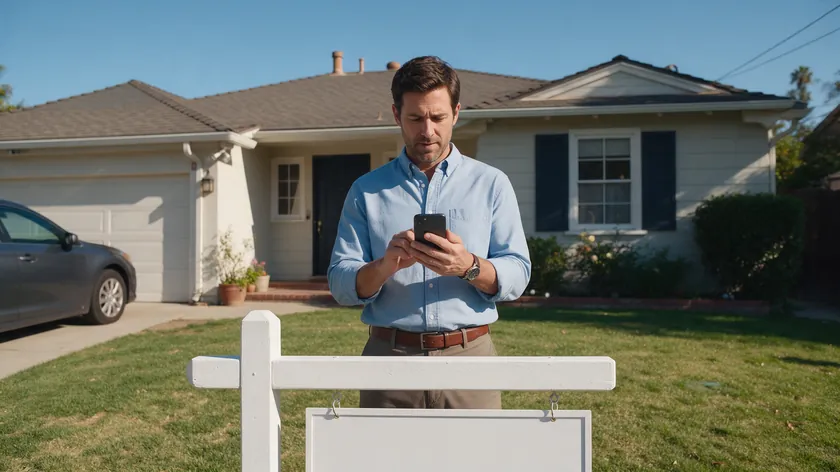
Real estate teams depend on WhatsApp to capture listing inquiries from yard signs, portals, and open houses without losing leads to voicemail.
Instant Lead Capture and Faster Follow-Ups
Businesses can automate lead follow-up so new inquiries get a reply within minutes, and reminders sent before scheduled viewings can help reduce no-shows.
The main use case: prospective buyers or renters message a WhatsApp number from a QR code or click-to-WhatsApp ad, then receive property details, rich media photos, and viewing time options.
Speed matters—WhatsApp can cut response times to minutes, and a shared team inbox helps route new leads instantly to the right agent or office.
Lead Qualification and Agent Routing
W.app Form Links qualify leads up front by collecting budget range and move-in date, while W.app Multi Agent distributes new conversations across agents fairly and keeps full customer context in the history.
For scripts, follow-up cadences, and lead generation automation examples, read the real estate WhatsApp deep dive. It explains how agents can qualify leads and respond within minutes of the first inquiry.
Healthcare: Appointment Reminders and Patient Follow-Ups

Clinics, dental practices, and outpatient centers use WhatsApp for appointment reminders, basic pre-visit instructions, and quick post-visit check-ins.
Appointment Reminders That Reduce No-Shows
Appointment reminders sent through the WhatsApp Business API can help reduce no-shows. They work best when the message names the visit time, the location, and one clear next step for the patient.
Automated reminders can be sent 24 hours or 1 hour before appointments, and appointment reminders include meeting details and confirmation buttons so clients can confirm or reschedule appointments via WhatsApp reminders without calling the front desk.
Automated reminders help streamline scheduling for healthcare appointments and reduce both no-shows and routine inquiries that tie up phone lines.
Patient Privacy and HIPAA Boundaries
Conversations must focus on logistics—time, location, prep steps—not detailed medical data. WhatsApp is not HIPAA compliant and should not carry protected health information.
Any clinical results, lab reports, or sensitive patient records should be shared through secure portals, not inside WhatsApp conversations. Providers must ensure compliance with local regulations and federal privacy rules carefully.
Secure Routing With Standard Links and Multi Agent
W.app Standard Links send patients to secure portals for results, while W.app Multi Agent routes customer messages to front desk, nursing, or billing teams without exposing clinical records in chat.
For operational use cases see the healthcare WhatsApp guide, and for a focused compliance discussion visit the HIPAA compliance article.
Education: Course Updates and Student Engagement

Schools, training providers, and online academies in the U.S. use WhatsApp primarily for schedule changes, deadline reminders, and light-touch student support.
Orientation Reminders and Deadline Nudges
Key use cases include orientation reminders for enrolled students, sharing last-minute room changes, and quick nudges about assignment due dates to keep completion rates high.
WhatsApp can send automated event reminders one hour before events, helping students avoid missing lectures or workshops. WhatsApp tends to outperform email for time-sensitive updates because students already check it throughout the day, improving attendance and student engagement.
Separate Entry Points for Admissions and Support
W.app Multi Links separate admissions, billing, and student support into distinct entry points, while Form Links collect interest in new programs or alumni events without building new web forms.
A dedicated, more detailed guide to WhatsApp Business for Education will be linked once available—this section intentionally stays short and high level.
Cross-Industry Workflows That Work Everywhere
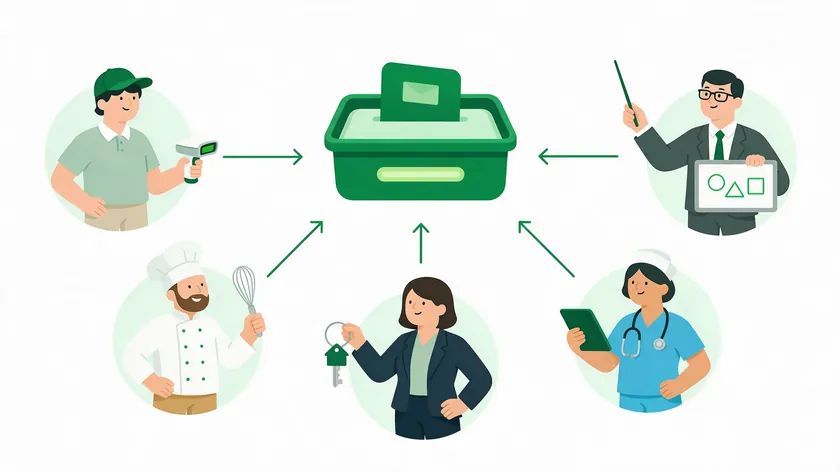
The workflows below apply the same way regardless of whether you sell products, serve patients, or seat guests. They form the foundation of any WhatsApp Business account management strategy.
Customer Service on WhatsApp: Response Times and Team Coordination

Single-owner WhatsApp setups quickly hit limits as message volume grows and different departments need access to the same threads. When one person holds the phone, customer messages sit unanswered during lunch, meetings, or days off.
A shared team inbox solves this: any authorized teammate can see history, pick up a conversation, and add internal notes without asking customers to repeat themselves.
This preserves full customer context across shifts and agents, which matters for customer retention and account management. The WhatsApp Business API allows multiple agents to manage one inbox, and automated responses or a chatbot can handle common queries.
Routing rules differ by industry—by location for retail, by specialty for healthcare, by agent pool for real estate, and by queue (takeout vs. catering) for restaurants.
W.app Multi Agent supports structured routing on top of the WhatsApp Business Platform, reducing missed opportunities and duplicated replies. For more on how teams coordinate, see the guides on building a WhatsApp team inbox and managing multiple users on one number.
Businesses can standardize greetings and expectations—for example, “We reply within 15 minutes during business hours”—to improve perceived customer experiences.
Simple automations like after-hours replies and FAQ quick answers deflect routine inquiries while keeping complex issues for human agents. Automated responses can improve customer service response times.
If you are unsure where to start, evaluate where conversations currently stall or get lost and use that as a starting point for designing your own shared inbox and routing logic.
The industry-specific sections above link to deeper articles where service flows, templates, and tools are explained in more detail.
Notifications and Event Reminders Without Mass Blasts
Marketing templates are not delivered to U.S. numbers, so opted-in notifications and reminders are the high-value focus for U.S. teams.
Businesses serving other countries have more room for promotions, event and webinar invitations, WhatsApp broadcast campaigns, and broadcast messaging to segmented audiences.
Obtaining customer consent is crucial before sending marketing messages on WhatsApp regardless of geography, and segmentation of customer contacts can improve targeted messaging on WhatsApp.
For U.S. businesses, the concrete, high-impact examples are transactional: order status and delivery updates, appointment reminders, and event reminders for people who already registered.
W.app Standard Links track which reminders and alerts get the most replies, while W.app Form Links handle simple RSVP collection without external landing pages. For broader strategy, templates, and metrics, see the dedicated WhatsApp marketing guide.
Collecting Post-Service Feedback and Measuring Customer Satisfaction
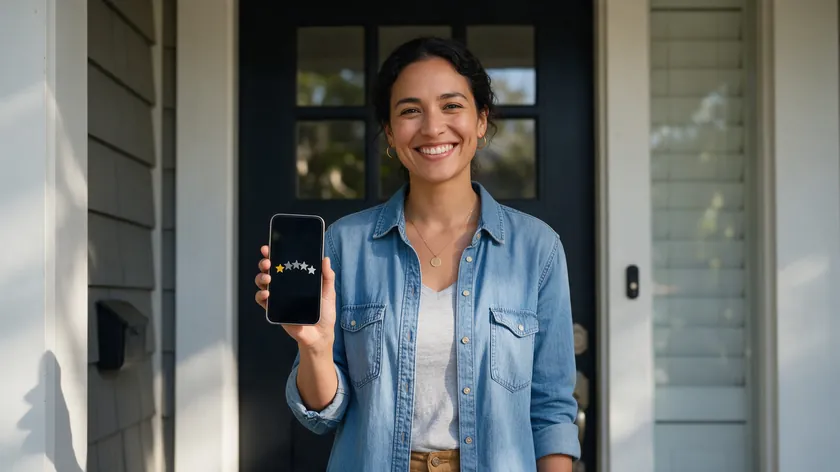
WhatsApp is an effective place to ask for quick post service feedback because the conversation is already active and customer context is fresh.
Businesses can collect customer feedback on WhatsApp after service interactions—whether it is a delivery, an appointment, or a consultation. Automated CSAT messages can be triggered by service events, keeping the request timely and relevant.
Typical flows work like this: after a service interaction, the customer receives a short CSAT or NPS question with one-tap answer options inside WhatsApp.
WhatsApp enables real-time feedback collection after service interactions. Negative feedback can be routed to account managers for recovery, turning a potential churn signal into a save opportunity.
W.app Standard Links can drive unhappy customers to a short escalation form, while Form Links collect structured feedback and route high-risk cases to the sales team or account management.
Industry-specific feedback approaches—such as after-visit surveys in healthcare or order experience ratings in e-commerce—are covered in the linked deep-dive articles.
Using WhatsApp Rich Media to Enhance Customer Experiences
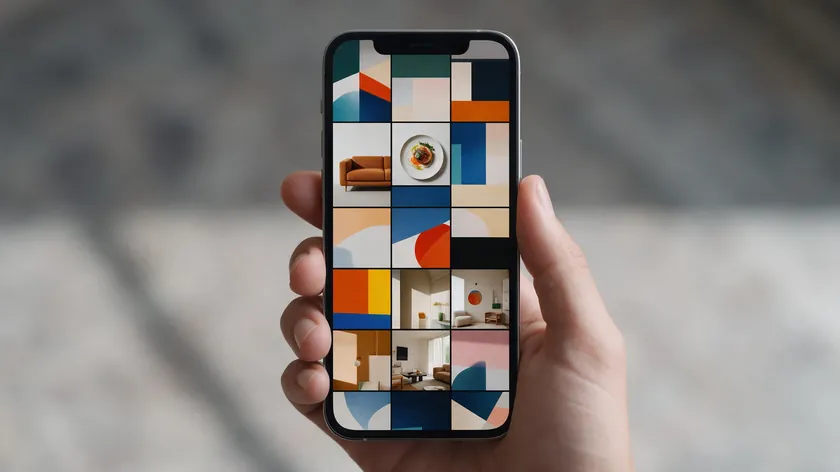
Rich media—photos, videos, PDFs, buttons—can make WhatsApp a better customer experience channel than plain SMS.
Property walk-through clips in real estate, before-and-after photos for salons, annotated menus or allergen charts for restaurants, and product carousels for retail all turn a text thread into a visual shopping or service experience.
Visual content shortens time-to-decision, reduces confusion, and supports conversational commerce by letting customers “see” options before clicking a payment link.
W.app’s tracked links measure which rich media assets actually drive replies and clicks, informing future customer journeys without adding complex analytics tools or requiring CRM integration from day one.
Rich media should stay relevant and lightweight to preserve trust and avoid overwhelming customers’ devices or data plans. A well-chosen photo often beats a five-paragraph product description.
Choosing Your First WhatsApp Business Use Case

Most companies see better results when they start with one high-impact WhatsApp use case per industry rather than trying to launch every workflow at once.
The WhatsApp Business app works for initial testing, but scaling requires the WhatsApp Business Platform and a plan for business verification, embedded signup, and technical setup.
First Wins by Sector
Clear “first wins” by sector:
- E-commerce: order updates and automated notifications that cut “where is my order?” volume
- Retail: in-store support with rich media and quick answers about past purchases
- Restaurants: reservation confirmations with confirm/cancel buttons
- Real Estate: lead capture from WhatsApp ads with immediate agent routing
- Healthcare: appointment reminders that keep open slots filled and reduce no-shows
- Education: course deadline reminders that improve attendance
Testing Without Heavy Development
Teams should consider both potential ROI and implementation simplicity—often service and notification use cases are fastest to launch because they rely on utility message templates rather than marketing campaigns.
W.app’s Standard Links and Form Links help businesses test and measure early experiments without heavy custom development, complex CRM systems, or high platform costs.
Every linked guide in this hub walks through the workflows step by step. Pick the section closest to your business, open the detailed article, and move from idea to execution.
Key Takeaways
- Businesses use the WhatsApp Business Platform to speed up response times, reduce lost leads, and improve customer satisfaction across sales, support, and operations.
- WhatsApp Business is most effective when aligned with one primary goal per industry—such as fewer no-shows, faster lead response, or better post service feedback.
- Marketing template messages are currently not delivered to U.S. numbers, so U.S. companies focus on customer service, transactional notifications, and conversational commerce.
- W.app adds structure to WhatsApp with tracked links, lead forms, micro-landing pages, and multi-agent routing for shared team inbox workflows.
- Bookmark or share the specific industry section that matches your role so your team can review the linked, detailed use-case guide together.
- WhatsApp policies and best practices continue to evolve, so using this hub plus the deeper articles helps businesses stay current without rebuilding their playbook from scratch.
Ready to test one use case this week? Create your first tracked WhatsApp link with W.app and see how fast customers respond when you meet them where they already are.
FAQ
How do I know if my industry should invest in WhatsApp Business?
Any industry relying on scheduled appointments, repeat purchases, or rapid lead handling—such as e-commerce, retail, restaurants, real estate, and healthcare—tends to see clear benefits from WhatsApp.
Use current gaps as simple signals: if your team struggles with slow response times, high no-shows, or low email engagement, a WhatsApp-based workflow may pay off quickly. Refer to the industry overview table above to compare common use cases with your own business goals.
What do people use WhatsApp Business for?
People use WhatsApp Business mainly for customer service, order and appointment updates, lead capture, reservations, and conversational commerce, and the mix depends on the industry.
This hub is intentionally brief—each major industry (E-commerce, Retail, Restaurants, Real Estate, and Healthcare) has its own in-depth guide linked from the relevant section above.
Open the link that matches your industry to see concrete WhatsApp business examples, sample WhatsApp flows, and common pitfalls to avoid. Education currently has only a short overview here, with a more detailed guide planned as adoption grows among U.S. institutions.
What is the 24-hour rule for WhatsApp Business?
A 24-hour customer service window opens when a customer messages or calls your business, and each new message or call resets the timer.
While the window is open, you can reply with regular non-template messages such as text and images. Once it closes, you can only reach the customer with template messages, according to Meta’s official documentation.
What is the downside of WhatsApp Business?
The main limits are rules rather than features: marketing template messages are currently not delivered to U.S. numbers, and replies outside the 24-hour window require template messages.
Scaling beyond the app also means moving to the WhatsApp Business Platform, with business verification and technical setup. Message pricing varies, so check Meta’s pricing page before you budget.
What types of messages work best for U.S. customers on WhatsApp?
U.S. strategies prioritize service messages, transactional updates, and truly relevant reminders over bulk promotional blasts, because Meta currently does not deliver marketing template messages to U.S. numbers.
Concrete examples that work well include order status notifications, appointment reminders, and short satisfaction check-ins after service.
Do I need a full CRM integration before testing WhatsApp Business use cases?
Many businesses start small—using tracked Standard Links, simple Form Links, or Multi Links—before connecting a full CRM or data warehouse.
Early experiments can focus on clear metrics like response times, show-up rates, and lead-to-consult ratios, which are easy to track even with lightweight tools.
WhatsApp allows sending automated transactional alerts like shipping confirmations without a full CRM in place, though integrating customer data later makes personalization and segmentation stronger.
The deeper industry articles linked from this hub discuss when CRM integration becomes important for each sector’s more advanced workflows.